REMINDER: 2026 is a 1 Year in Numerology...Book your Clarity Session today.

YOUR PERSONAL BLUEPRINT COMPANION PAGE
Click HERE to access editable worksheets in Canva
STEP 1:
Open your Notes app & Create a new note titled:
"My Personal Blueprint"
STEP 2:
Copy Prompt #1 into your note. (Scroll down to find prompt)
You'll complete this prompt as you work through the next few steps.
STEP 3:
Download the TimePassages app.
Scan the QR code below to download TimePassages.
STEP 4:
Create your birth chart.
(Enter your birth information into the TimePassages app)
Pro Tip: If you don't know your exact birth time, enter 12:00 PM to get started. An accurate birth time will provide the most accurate Rising Sign and house placements.
Once your chart has been created:
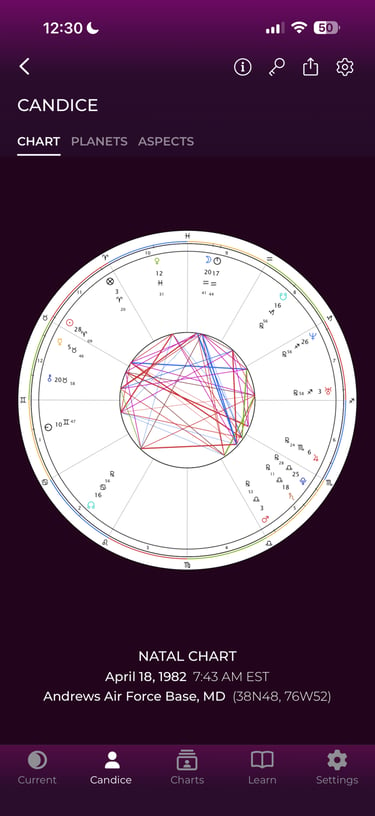
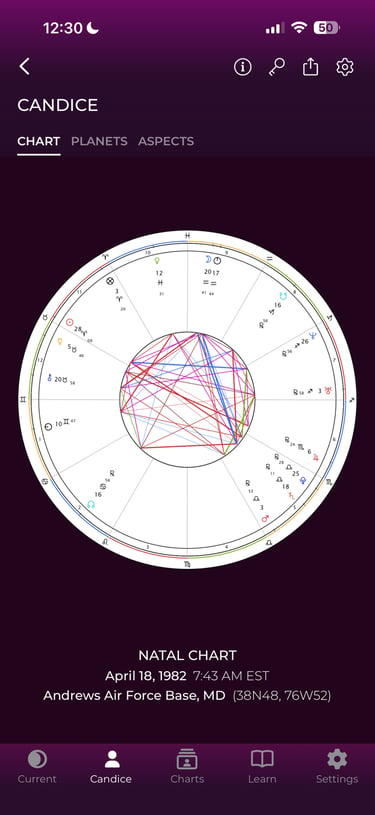
✅Open the Chart tab and take a screenshot.
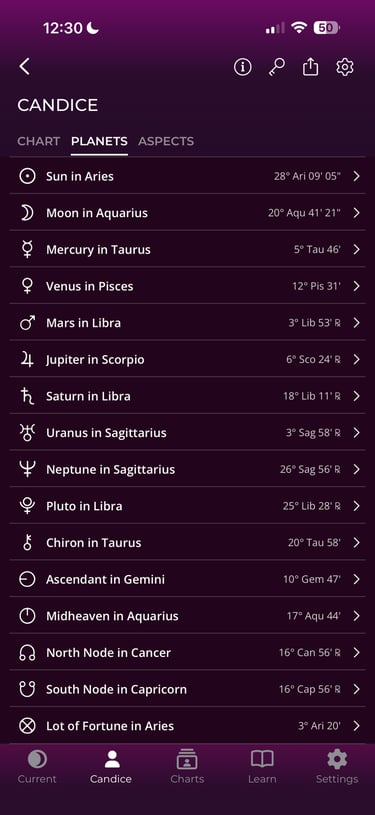
✅Open the Planets tab and take a second screenshot.
✅Save both images to your phone.
(Examples below.)
STEP 5:
Calculate your numerology numbers.
Use the links below to calculate your:
✅Life Path Number
✅Personal Year Number
...then type both numbers into Prompt #1 in your Notes app.
STEP 6
Open ChatGPT.
Upload your two birth chart screenshots, then copy and paste the completed Prompt #1 from your Notes app into a brand new ChatGPT conversation.
Continue using that conversation throughout the workbook. Each prompt builds on the last, making your insights more personalized as you go
WORKBOOK PROMPTS
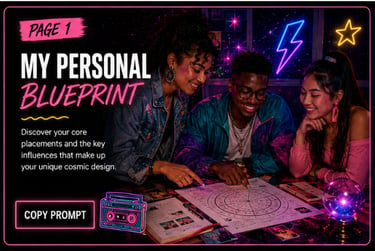
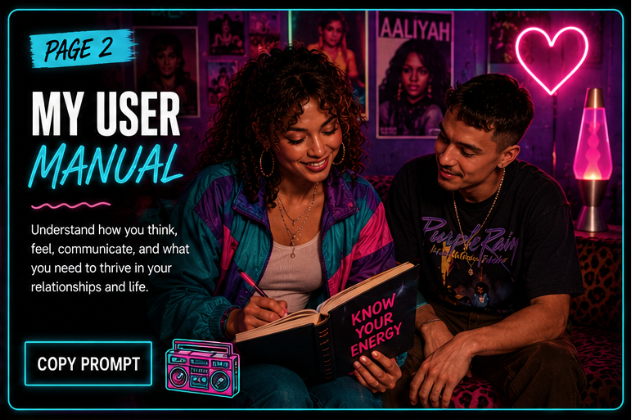
Select the page you're working on and copy the matching prompt below.

This is just the beginning. We'll continue adding new worksheets, prompts, and resources to help you uncover new insights, strengthen your relationships, and build a life that truly fits who you are.
Coming soon: Fall 2026...
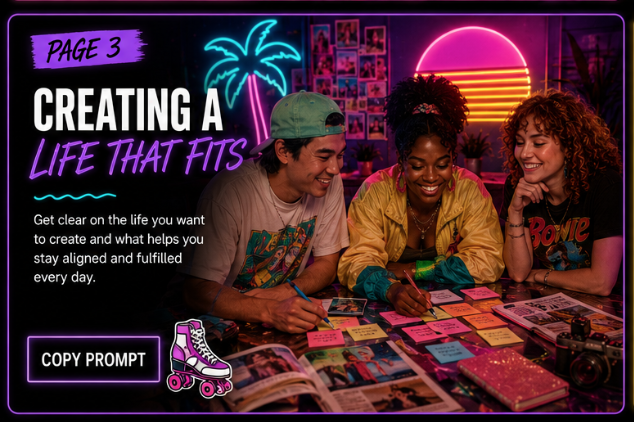
Prompt #3:
CREATING A LIFE THAT FITS
Prompt #4:
POSSIBLE FUTURES


© 2026 Co Create with Candice. All rights reserved.
All content on this site is the intellectual property of Co Create with Candice. Do not copy, reproduce, or distribute without written permission.